
How to read a QR code from an image
- Choose or drag a PNG, JPG, or WebP containing one QR code into the reader above.
- Wait for the decoded text. The image is processed in this browser.
- Use Copy result, or inspect the full address before choosing Open link. Decoding a link does not establish that the destination is trustworthy.
Read a screenshot on the same phone
Save the image from the message or page, or take a screenshot while the complete QR code is visible. Open this reader, tap Choose a file, and select the image from Photos or Files, depending on your browser. A second device is unnecessary because this tool reads a saved image rather than a camera view.
If a screenshot includes several codes, use the Image Cropper to isolate one. Leave the code’s blank border intact. When a code is only a few pixels wide, obtain the original image; enlarging a screenshot cannot recreate missing detail.
Try a known QR image
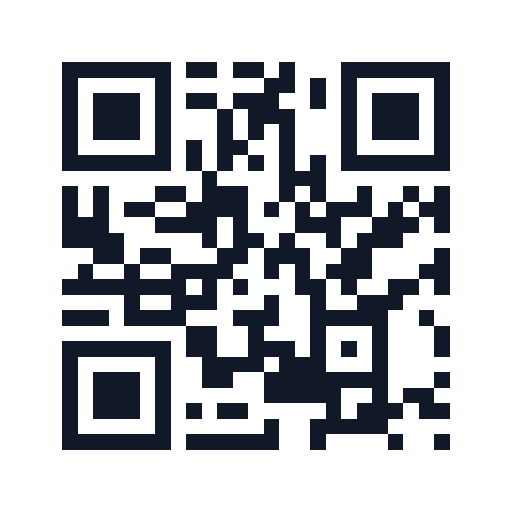
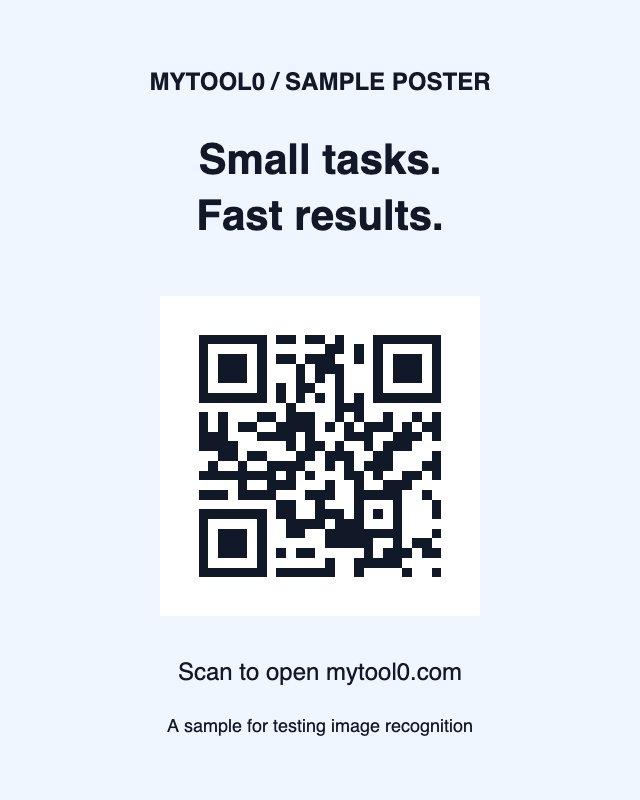
These original examples both encode https://mytool0.com/. Download either PNG, then choose it in the reader above. The decoded content should match that address exactly.
Improving recognition
Use a sharp image with the entire code, a clear border, strong contrast, and minimal perspective distortion. Crop away unrelated content without cutting off the square corner markers. For a blurred image, ask for the original file instead of repeatedly resizing or compressing it.
The printing guide’s damaged examples show a centre-only crop and heavy blur. Damage tolerance depends on the code, image, and decoder; a small crop or mild blur does not always cause failure.
Privacy and limitations
The image and decoded content are not uploaded. A native Barcode Detector is used when available; otherwise a bundled decoder runs locally, preferably in a worker. This tool has no remote fallback or camera scanner. Inputs are limited to 20 MB, 8,192 pixels per side, and 16 megapixels; browsers without worker canvas support use a conservative 4-megapixel fallback. Animated PNG/WebP inputs are rejected so recognition never depends silently on an arbitrary frame.
If you are checking a code before printing or sharing it, use the QR printing checklist to test the final image as well as its decoded text.